

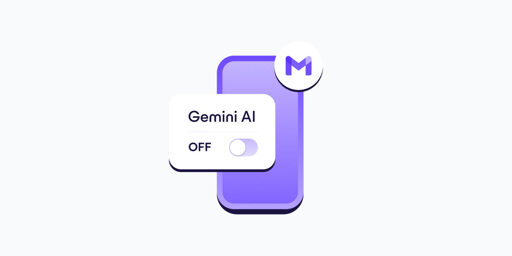
- In your Gmail app, go to Settings.
- Select your Gmail address.
- Clear the Smart features checkbox.
- Go to Google Workspace smart features.
- Clear the checkboxes for: Smart features in Google Workspace, Smart features in other Google products
- If you have more Gmail accounts, repeat these steps for each one.
- Turning off Gemini in Gmail also disables basic, long-standing features like spellchecking, which predate AI assistants. This design choice discourages opting out and shows how valuable your AI-processed data is for Google.
This has finally gotten me to take steps to deGoogle my email, Fastmail trial underway.
I’ve been using Proton for years, 100% would recommend
That being said, I have had to use my gmail a couple times over the years because some sites do not accept an email address unless it’s from one of the top few email providers. It’s fucked
I went one step further and use my own domain where I can freely choose my hosting provider.
So far I havent had an issue with sites accepting my domain (and it’s not a very common one to start with).
The only issue I have faced so far is with some sites seemingly unable to fathom how one would want to switch their email.
Looking at you IoI Interactive