

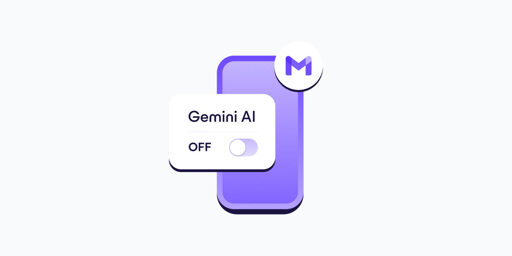
- In your Gmail app, go to Settings.
- Select your Gmail address.
- Clear the Smart features checkbox.
- Go to Google Workspace smart features.
- Clear the checkboxes for: Smart features in Google Workspace, Smart features in other Google products
- If you have more Gmail accounts, repeat these steps for each one.
- Turning off Gemini in Gmail also disables basic, long-standing features like spellchecking, which predate AI assistants. This design choice discourages opting out and shows how valuable your AI-processed data is for Google.
This has finally gotten me to take steps to deGoogle my email, Fastmail trial underway.
Feel free to try. Here’s the library I use: https://nymph.io/
It’s open source, and all the docs and code are available at that link and on GitHub. I always ask it to make a note entity, which is just incredibly simple. Basically the same thing as the ToDo example.
The reason I use this library (other than that I wrote it, so I know it really well) is that it isn’t widely known and there aren’t many example projects of it on GitHub, so the LLM has to be able to actually read and understand the docs and code in order to properly use it. For something like React, there are a million examples online, so for basic things, the LLM isn’t really understanding anything, it’s just making something similar to its training data. That’s not how actual high level programming works, so making it follow an API it isn’t already trained on is a good way to test if it is near the same abilities as an actual entry level SWE.
I just tested it again and it made 9 mistakes. I had to explain each mistake and what it should be before it finally gave me code that would work. It’s not good code, but it would at least work. It would make a mistake, I would tell it how to fix it, then it would make a new mistake. And keep in mind, this was for a very simple entity definition.