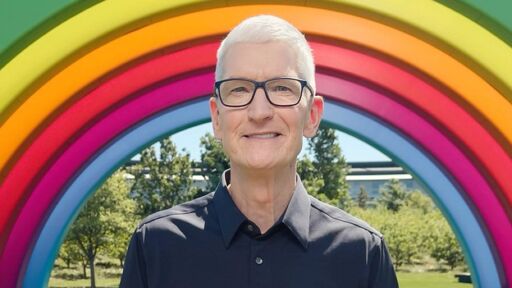
Apple CEO Tim Cook is stepping down as Apple's chief executive officer, and hardware engineering chief John Ternus is set to take over, Apple announced today. Cook will continue on as Apple CEO through the summer, with Ternus set to join Apple's Board of Directors and take over as CEO on September 1, 2026. Cook is going to transition to executive chairman, and he will "assist with certain aspects of the company, including engaging with policymakers around the world".
You can turn glass off in macOS. On my MacBook running the latest 26.4.1 it’s in the System Settings under Accessibility -> Display -> Reduce transparency.
Sadly, there are still a few apps that don’t respect Accessibility settings, like Tidal, but it should apply to everything that’s part of macOS.
Yes, that’s what I did. The very OS doesn’t respect it. Not for nothing did they call it “reduce” and not “eliminate”. It looks like shit. I have refused upgrading my other Mac to the latest OS version due to this.
Oh shit, I take that back, either they added that toggle after the initial release or I failed to find it at the time. I had it off, turned it on and I have a reasonable UI again! 🙏


You can turn glass off in macOS. On my MacBook running the latest 26.4.1 it’s in the System Settings under Accessibility -> Display -> Reduce transparency.
Sadly, there are still a few apps that don’t respect Accessibility settings, like Tidal, but it should apply to everything that’s part of macOS.
Yes, that’s what I did. The very OS doesn’t respect it. Not for nothing did they call it “reduce” and not “eliminate”. It looks like shit. I have refused upgrading my other Mac to the latest OS version due to this.
That’s weird, it completely kills it for me… I’ll have a look later to see if I ticked any other boxes.
Oh shit, I take that back, either they added that toggle after the initial release or I failed to find it at the time. I had it off, turned it on and I have a reasonable UI again! 🙏