

- cross-posted to:
- linux@programming.dev
- cross-posted to:
- linux@programming.dev
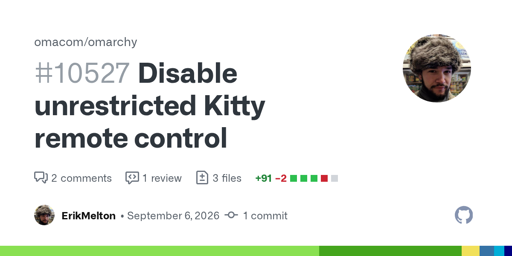
Omarchy has changed its Kitty configuration after a security issue was identified with allow_remote_control yes.
That setting allows Kitty’s remote-control protocol to accept commands from terminal output, meaning untrusted output could potentially execute commands as the current user. Kitty itself defaults this setting to no; the exposure came from Omarchy explicitly enabling it so other parts of the desktop could query the active terminal’s working directory.
The change disables remote control by default and migrates existing explicit yes settings to no. Users affected by the migration need to fully close and reopen Kitty, as existing processes remain exposed until they exit.
There is a small trade-off: Omarchy can no longer reliably determine the active Kitty tab/pane’s working directory via its socket, so new terminal or Files launches may occasionally fall back to the home directory.
The associated migration tests reportedly pass, although no live Kitty test was run in the test environment.
In Kitty’s defense, the docs mention the risks involved with full remote control, and there several ways to control the scope of permitted actions.
It’s tricky though. I’d like my coding agent to be able to control the terminal, but I’ve found it harder to sandbox kitty than, say, a multiplexer like tmux/zellij. Herdr is a bit less obvious.
It has its uses, I think the issue mainly stems from having it on by default rather than explaining the risks on first use and asking the user what they’d like to do.