In the immortal words of Daniel Rutter (again): If nothing else, backups are necessary because at some point in your life you will confidently instruct your computer to destroy your data.
A few years ago I deleted my whole home folder by bind-mounting it inside a chroot. When I was done with the chroot, I rm -rf-ed it without unmounting my home first.
I was lucky last time, was able to reconstruct almost all of it (99.7%) in 3 weeks of after-work messing around. The 0.3% is non-critical.
Now I do something I wrote myself with cron, rsync, hardlinks and gpg. It’s simple, easy to test and fairly bulletproof. Protip: keep many backups of your keys or you’ll wish you had.
Syncthing (distributed folder sharing including “keep x copies of each file”) and duplicity (gpg-encrypted, incremental backup anywhere) are your friends.
Been using them for a very, very long time. A++ open source, cross-platform solutions.
Yeah, I was hesitant to encrypt backups for a long time, and now I have the problem that you can’t store backups of encryption headers on the encrypted device(s)


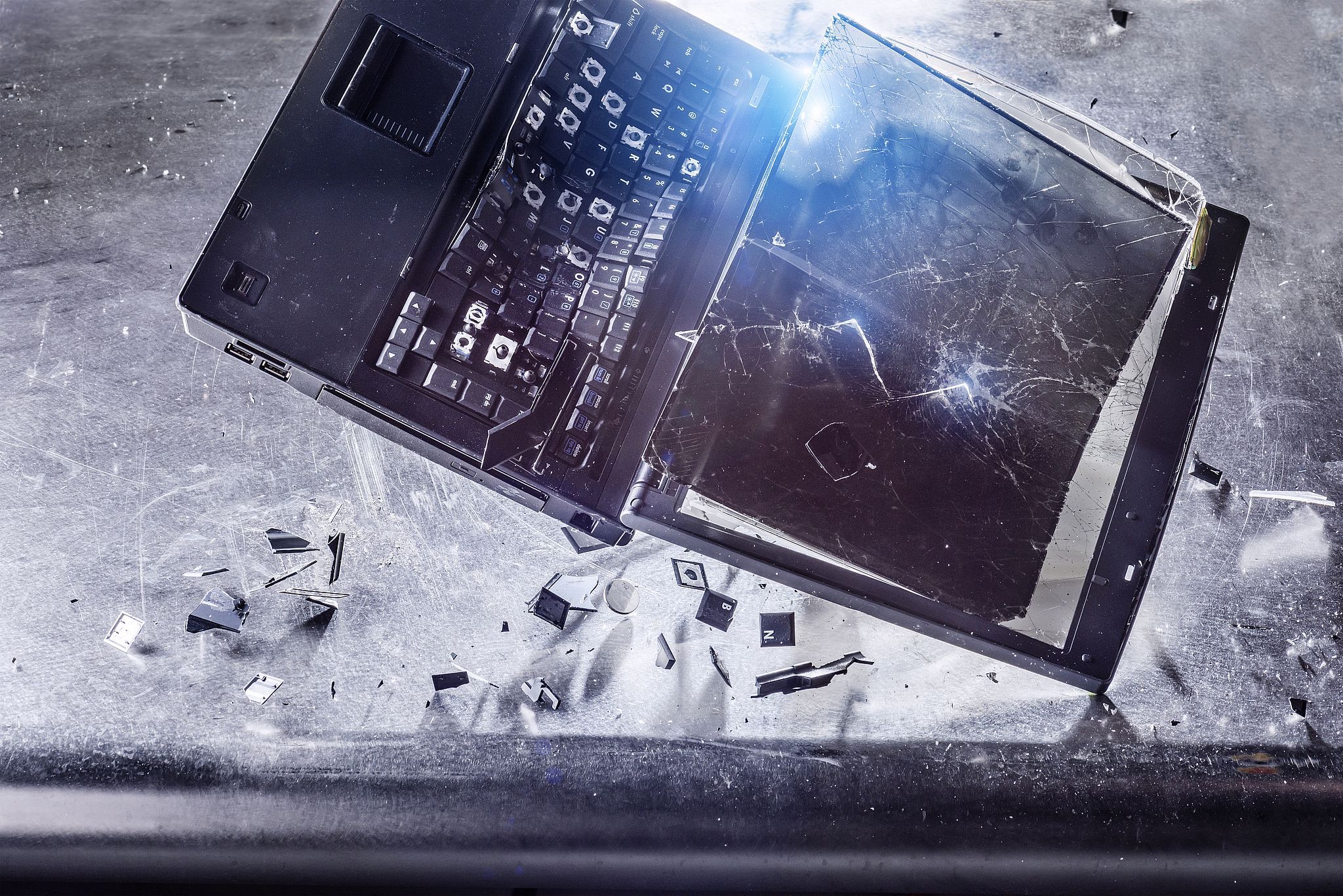
In the immortal words of Daniel Rutter (again): If nothing else, backups are necessary because at some point in your life you will confidently instruct your computer to destroy your data.
A few years ago I deleted my whole home folder by bind-mounting it inside a chroot. When I was done with the chroot, I
rm -rf-ed it without unmounting my home first.Been there, done that.
I was lucky last time, was able to reconstruct almost all of it (99.7%) in 3 weeks of after-work messing around. The 0.3% is non-critical.
Now I do something I wrote myself with cron, rsync, hardlinks and gpg. It’s simple, easy to test and fairly bulletproof. Protip: keep many backups of your keys or you’ll wish you had.
Syncthing (distributed folder sharing including “keep x copies of each file”) and duplicity (gpg-encrypted, incremental backup anywhere) are your friends.
Been using them for a very, very long time. A++ open source, cross-platform solutions.
Yeah, I was hesitant to encrypt backups for a long time, and now I have the problem that you can’t store backups of encryption headers on the encrypted device(s)
i just deleted a month of notes by doing:
find $(pwd) “*.tmp” -delete
instead of:
find $(pwd) -iname “*.tmp” -delete
turns out the former throws an error on “*.tmp” but still deletes everything lol… PSA for everyone
Damn! That’s a brutal one. Someone should maybe change that behavior.